
Panasonic Lumix FZ82D Review for Birding: First Impressions
Part 1 of a series on using the Lumix FZ82D for birding
The Panasonic Lumix FZ82D allowed me to take useful identification photos on dull days and pleasing pictures in sunshine. Its slow autofocus was the main frustration, especially with moving birds as the light faded. After two short outings, I think it’s a useful recording camera, with limits I’m still learning to work around.
How I tested it
These first impressions come from two birding sessions of about two hours each. Every photograph was taken handheld. Whilst I have considerable photography experience, I deliberately kept settings changes to a minimum, using automatic exposure options and trying different focus modes as situations arose.
This was ordinary birding, with photographs taken when opportunities appeared. Later articles will test settings and technique more deliberately, using material from my forthcoming autumn birding trip.
Why I chose the Lumix over a Nikon
I had originally intended to buy a Nikon bridge camera, but its size ruled it out. I cover long distances on foot and wanted a camera for everyday birding. The Lumix’s lower weight and manageable size were important factors in my choice.
My main aim is to record birds for identification and collect photographic evidence to support rare-bird reports alongside my field notes. A photograph doesn’t need to be a polished portrait to be useful, but it does need to show the key identification features.
A 60× zoom in one camera
The FZ82D is a bridge camera with a fixed 60× zoom, equivalent to 20–1200mm, an 18.1-megapixel sensor and optical image stabilisation. It weighs about 640g with its battery and card. That puts a long lens in a single, relatively compact package.[1]
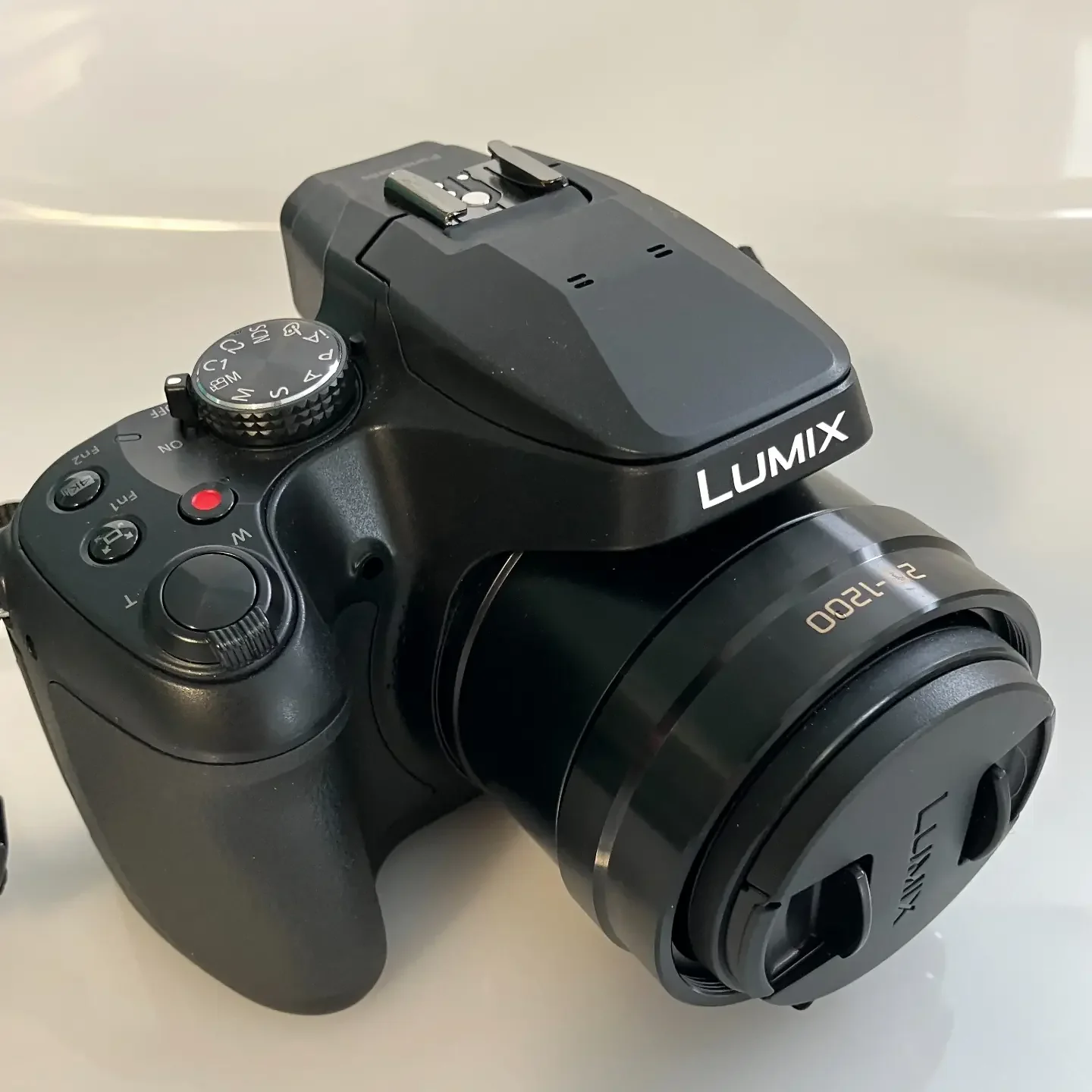
The reach is useful, but bringing a distant bird into the frame doesn’t guarantee enough detail to identify it. Light, movement and focus mattered more than I expected.
Image quality in good and poor light
A Great White Egret at about 15 metres in sunshine produced one of the most pleasing results. I selected this lightly edited image from a 4K sequence.
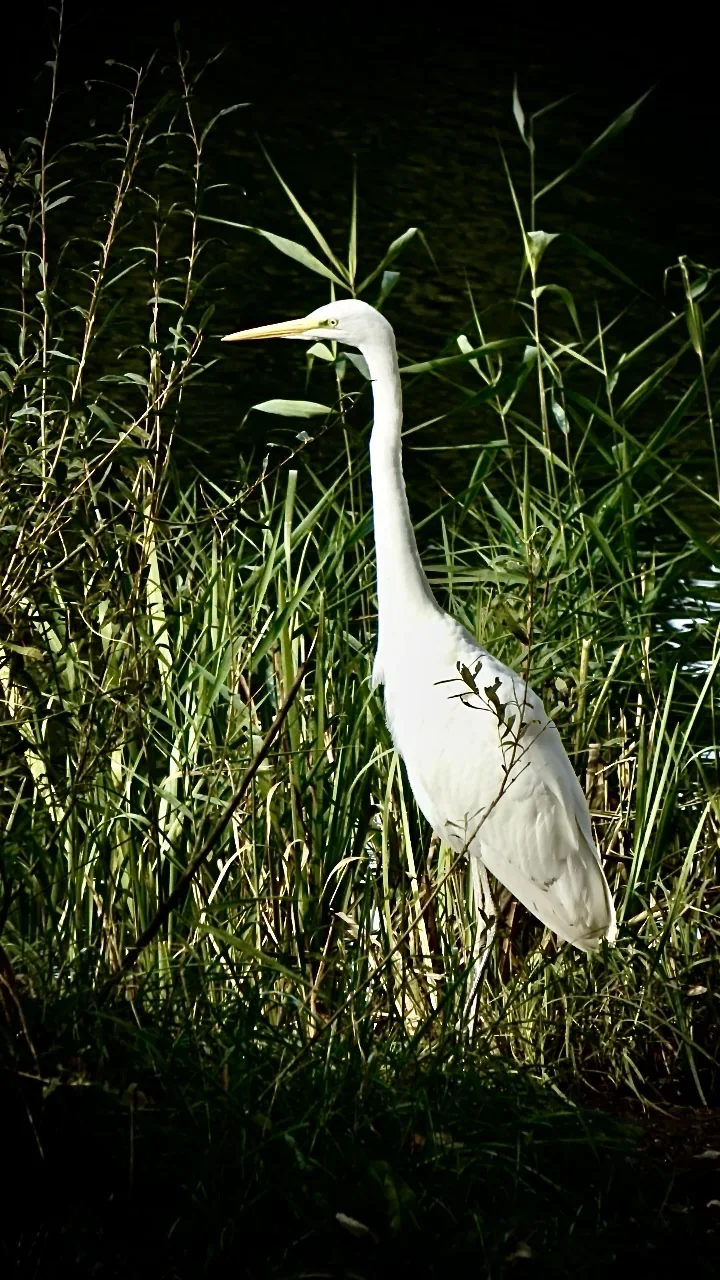
Panasonic’s 4K Photo mode records 30 frames per second, from which you can save individual images of about eight megapixels. It offers a choice of moments at lower resolution than an ordinary still photograph.[2]
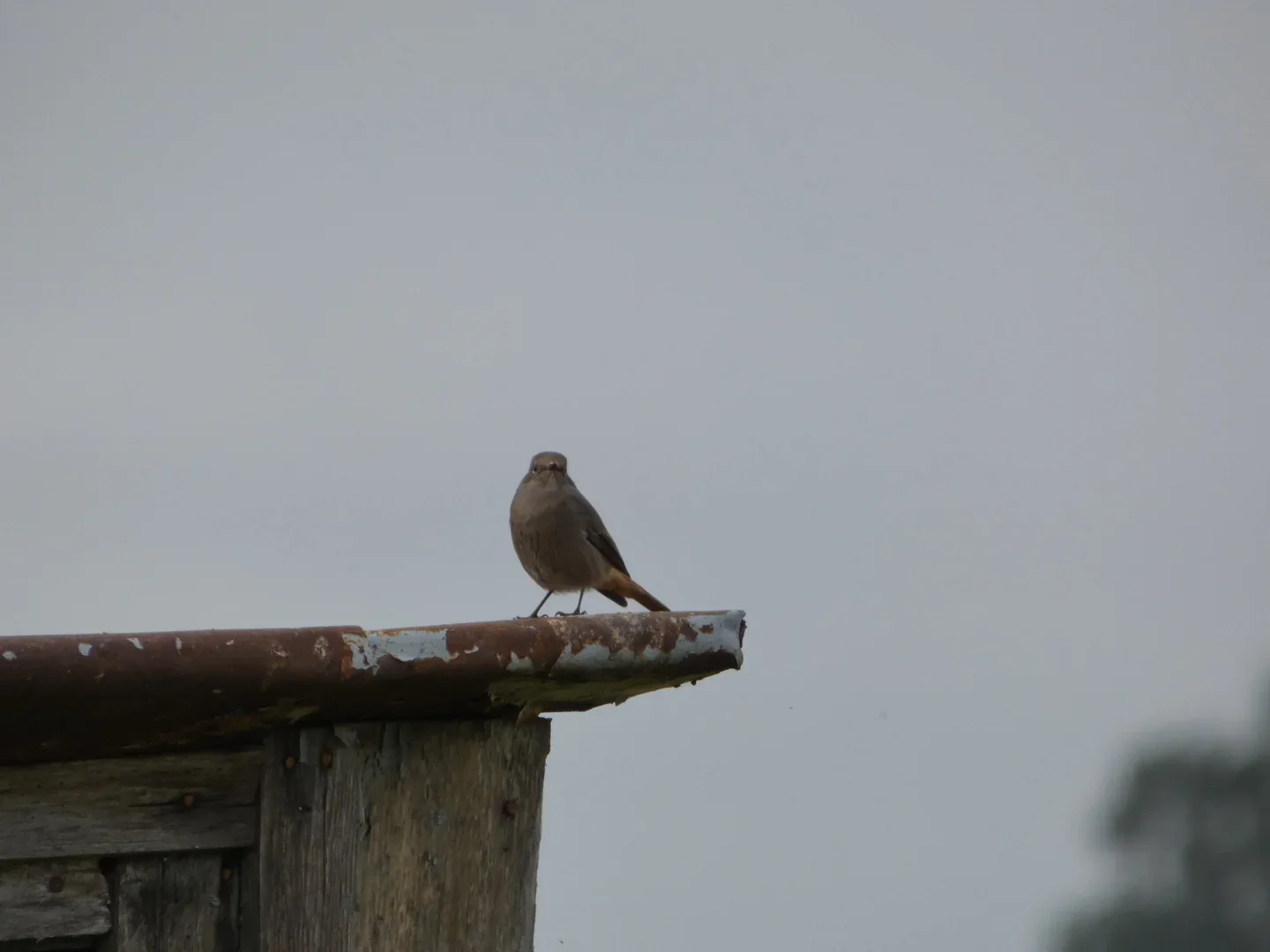
The Black Redstart and Yellowhammer photographs are softer, but useful as records. The redstart’s rusty tail is visible, while the Yellowhammer photograph lets me examine the bird again after the encounter.
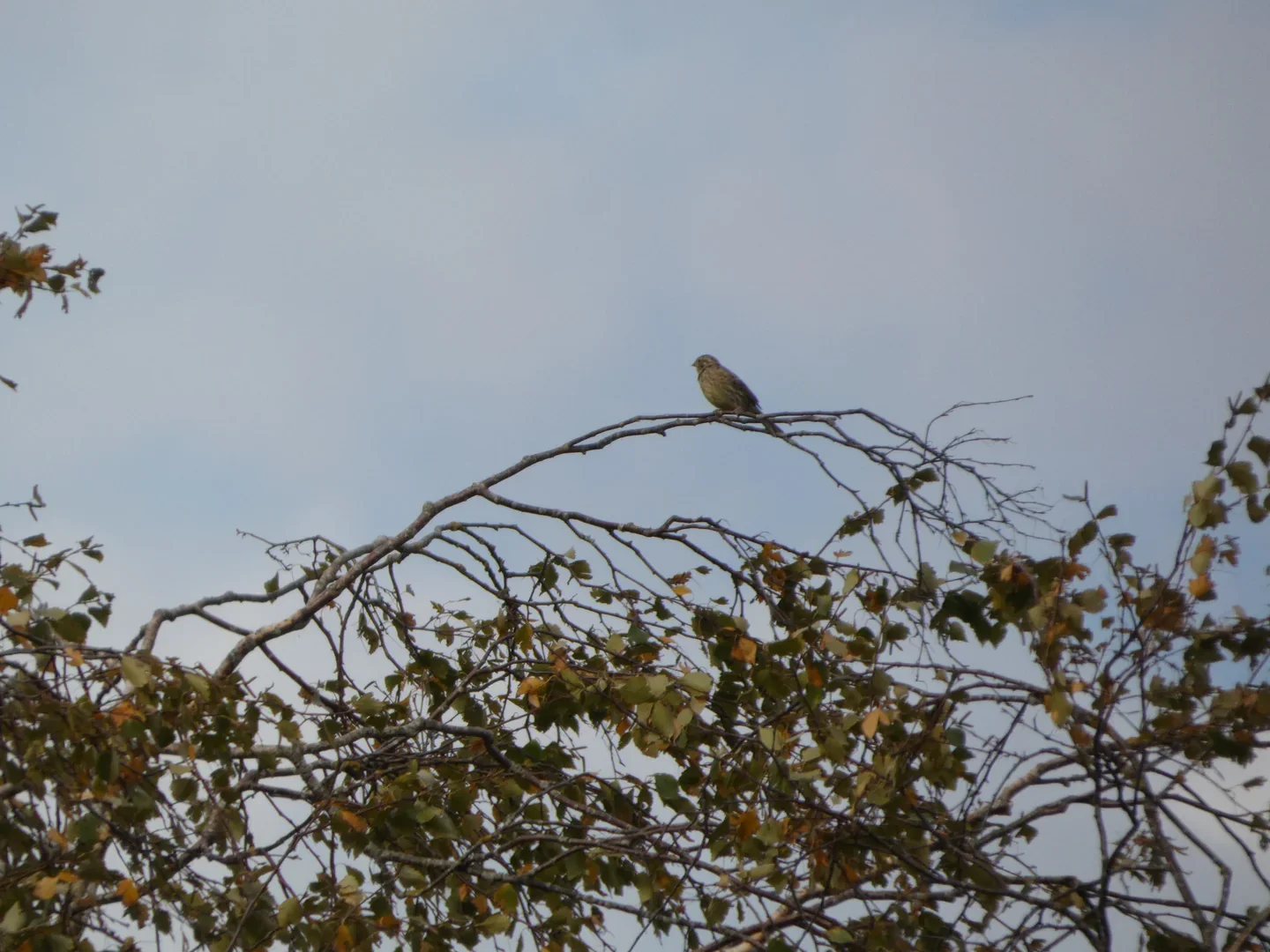
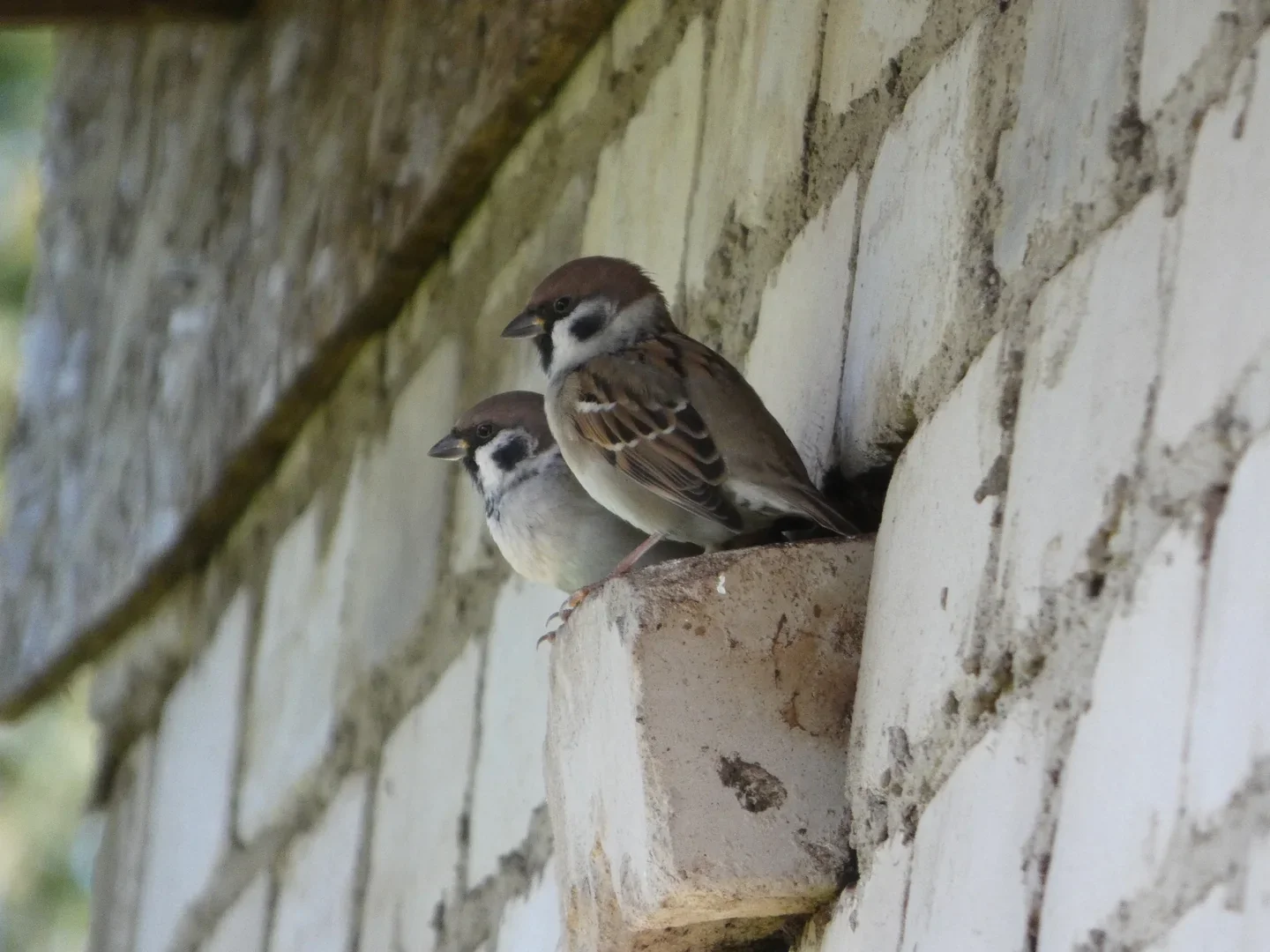
Two consecutive Tree Sparrow frames differed noticeably in sharpness despite the same exposure: 1/125 second at f/5.9 and full zoom. At a 1200mm equivalent focal length, small movements of the camera or bird become conspicuous. A faster shutter speed is worth testing; these frames alone don’t show whether movement or missed focus caused the softness.
Autofocus among branches and vegetation
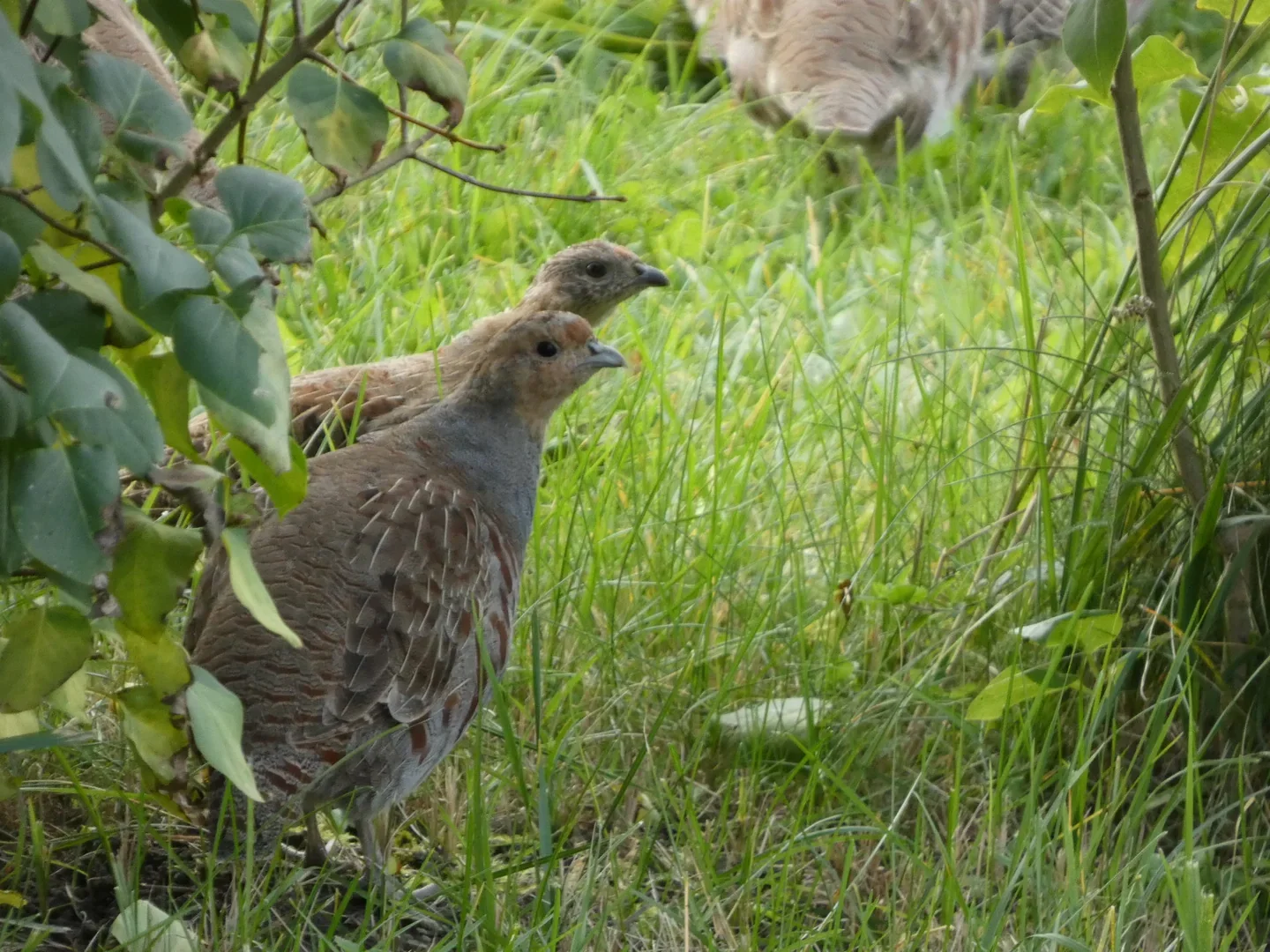
Grey Partridges about 15 metres away were partly hidden by vegetation. Multi-point autofocus struggled. Selecting a central focus area helped me place focus on the birds.
As the light faded, a Goldcrest defeated me. It was small, moved quickly and was partly obscured by branches. By the time the camera found focus, the bird had moved again. I couldn’t get any usable photographs.
Can the FZ82D photograph birds in flight?
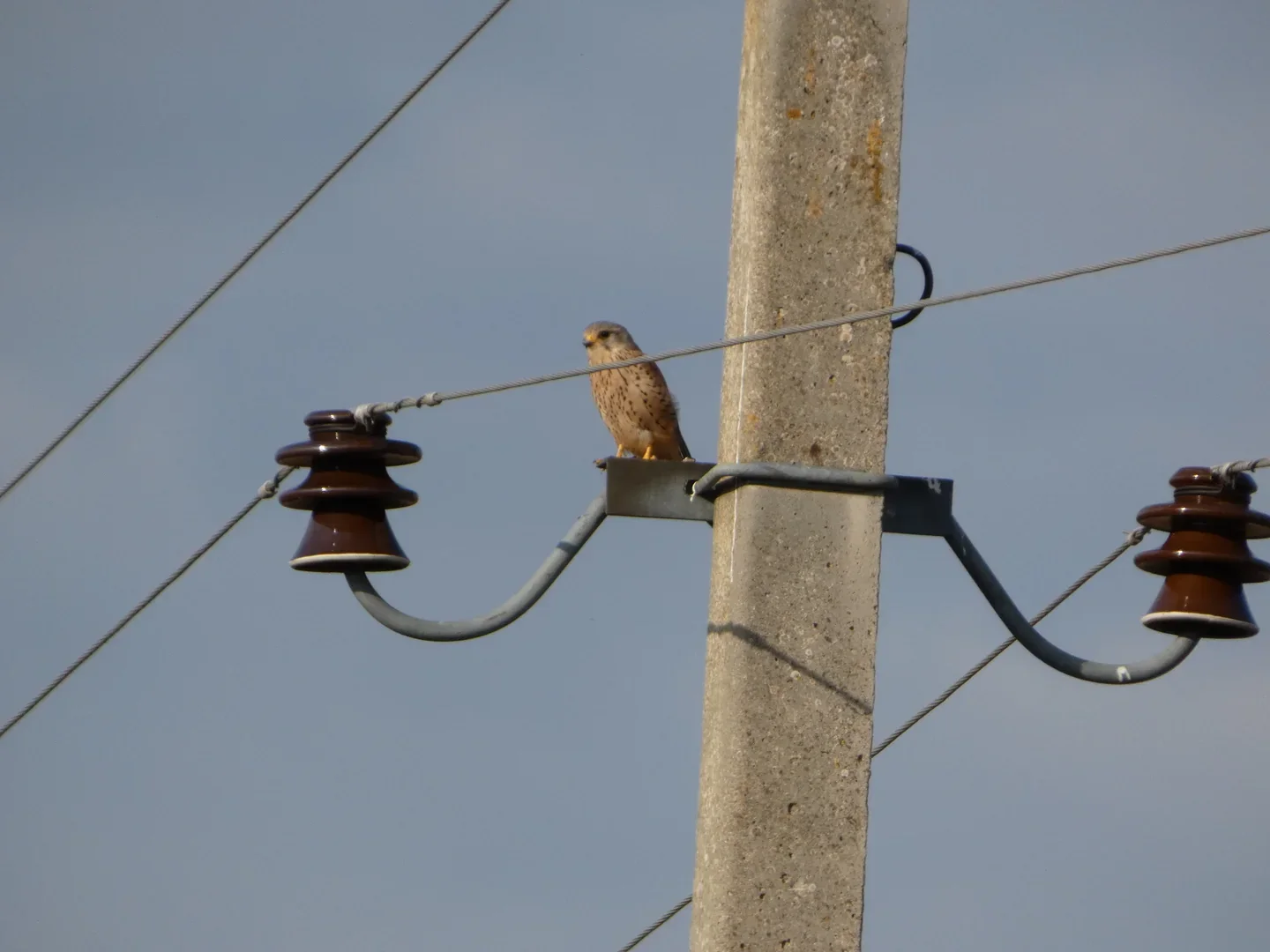
I obtained recognisable flight photographs in good light, including a Kestrel at roughly 120 metres. A perched Kestrel at about 70 metres was easier to record.
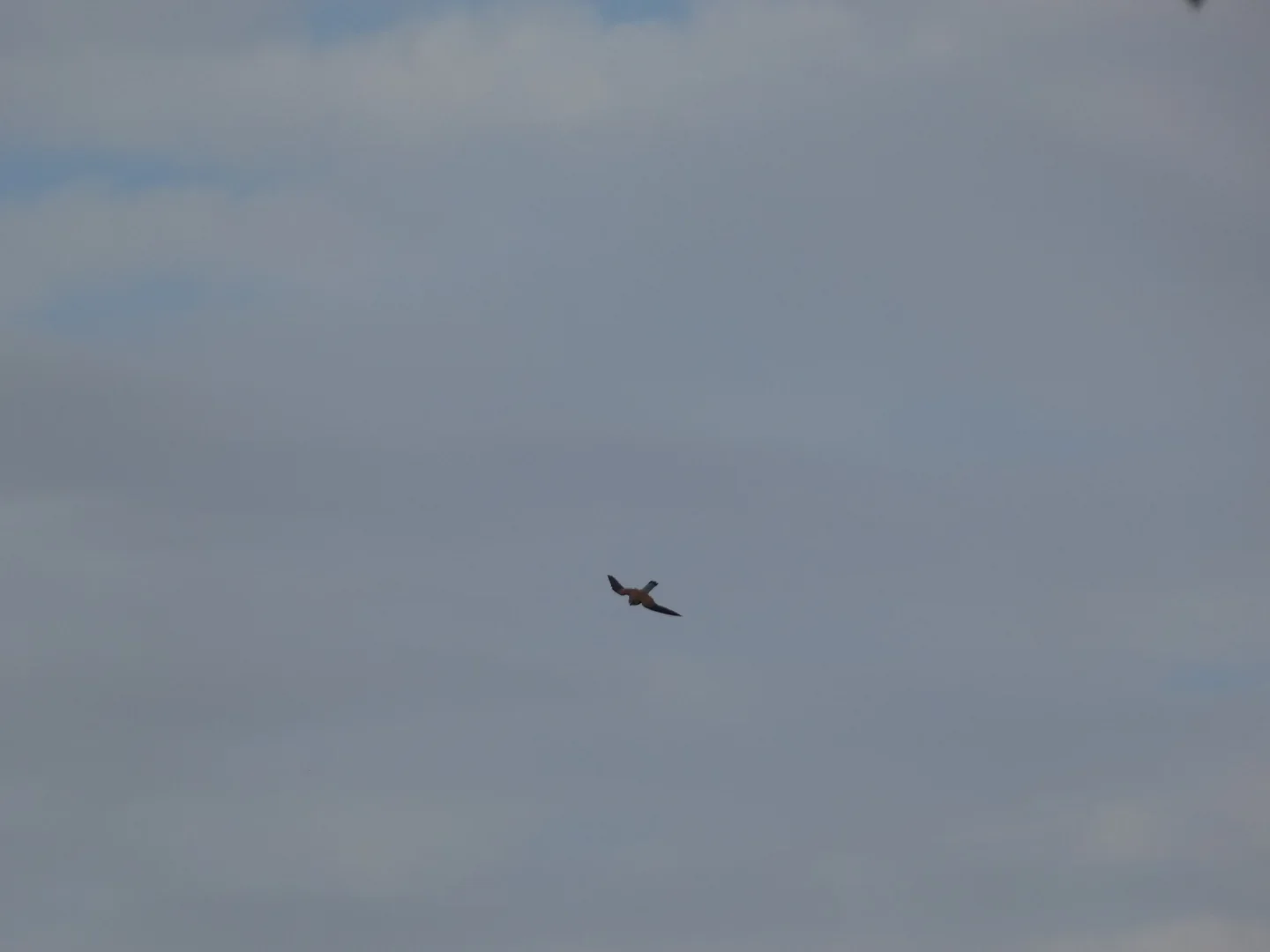
Lapwings were much harder. I would zoom out to find a bird, zoom in, wait for focus and lose it again as it changed direction. After sunset, even a large, slow-flying heron proved impossible to focus on.
I also photographed a Rough-legged Buzzard, identified through binoculars from its tail markings. The photographs contained too little detail to confirm the identification on their own.
Fn1 and Fn2: two useful controls
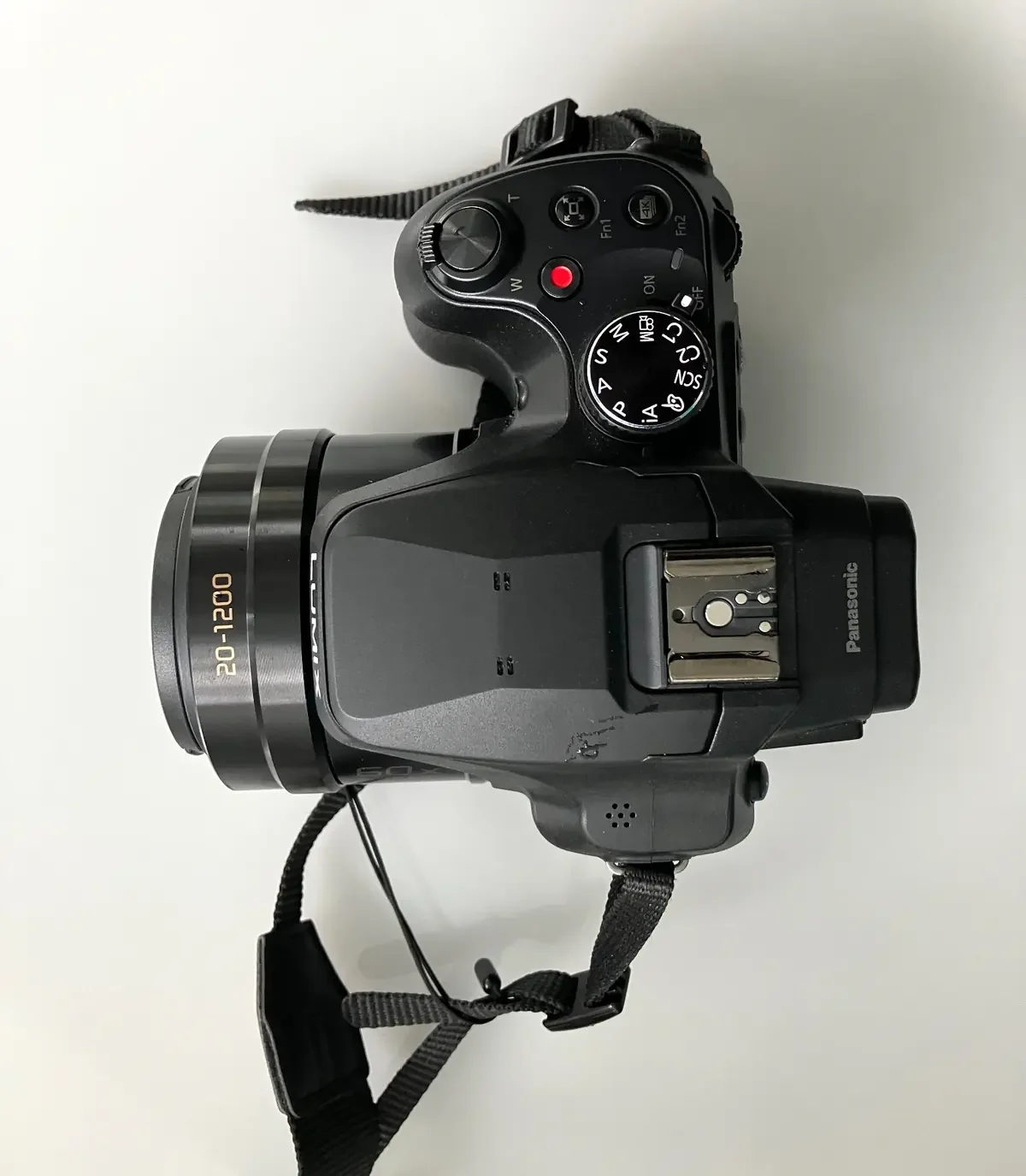
With the default assignments, Fn1 operates Zoom Compose Assist. Hold it to widen the view, bring the lost bird inside the central frame, then release it to return to the previous zoom setting. Focus before taking the photograph.[2]
I hadn’t used this during the two outings. It should make finding a bird again quicker; whether I can then focus in time remains to be tested.
Fn2 opens the 4K Photo options. Choose a mode, then use the shutter button to record. This differs from ordinary burst shooting, which records separate still photographs.[2]
How long did the battery last?
One charge covered both outings: about four hours of birding, with the camera switched on only for photography. That was intermittent use, not four hours of continuous shooting.
For a full day with frequent photographs or long sequences, I would take a spare battery or arrange charging. The FZ82D supports USB-C charging.[1]
Transferring photographs to a phone
To check or share photos on the go, Panasonic explains how to transfer them to an iPhone or iPad using a compatible cable and adapter or an SD card reader. I haven’t tested that connection yet; the required accessories depend on the device.[3]
My interim verdict
Despite the missed photographs, the FZ82D has earned a place on my next birding walks. It provided useful identification material with little adjustment and better pictures when the light improved. I wouldn’t yet rely on it for small, fast-moving birds in poor light.
The next stage is to find out how much I can improve the results by choosing autofocus settings and shutter speeds more carefully, and by using support.